The short answer: Lovable is strongest for polished written-brief builds, Bolt.new for fast prototypes with visible code, v0 for React UI, Replit for an all-in-one workspace, Base44 for internal tools, Cursor for developers, and SayCraft for teams that want a product discussion to end with a working app and shared live preview.
Quick disclosure before anything else: I build SayCraft, one of the tools on this list. So I have a bias, and you should read accordingly. I've tried to keep this fair — every tool here is genuinely good at something, and for a lot of people the right pick is not mine. Here's the honest version.
Last checked against official product documentation: July 13, 2026. For the source-linked, PM-focused version, see the AI App Builder Comparison Dataset 2026.
What makes a good vibe coding tool?
The phrase “vibe coding” comes from Andrej Karpathy, who described it in a February 2025 post as a way of building where you “fully give in to the vibes” and stop reading the code line by line — you describe what you want, the AI writes it, and you judge the result by whether it works. A vibe coding tool is software built around that loop: it turns a description into working software so you don't hand-write the code (see What Is Vibe Coding? for the full definition). The ones worth using in 2026 tend to share four things: they produce a real, runnable app (not a static mockup); they let you iterate quickly; they give you the source code so you're not locked in; and they match how you actually work — alone at a keyboard, or in a room talking it out.
That last point is the one most comparison lists skip, and it's the one that decides whether a tool fits you. Almost every builder below is single-player: one person, one keyboard, one prompt at a time. That's perfect if you build alone. It's friction if the thing you're building gets decided by a group — and a surprising amount of software does. Keep that in mind as you read; the “best” tool is mostly the one that matches your input style, not the one with the longest feature list.
The best vibe coding tools in 2026
Lovable — the polished one
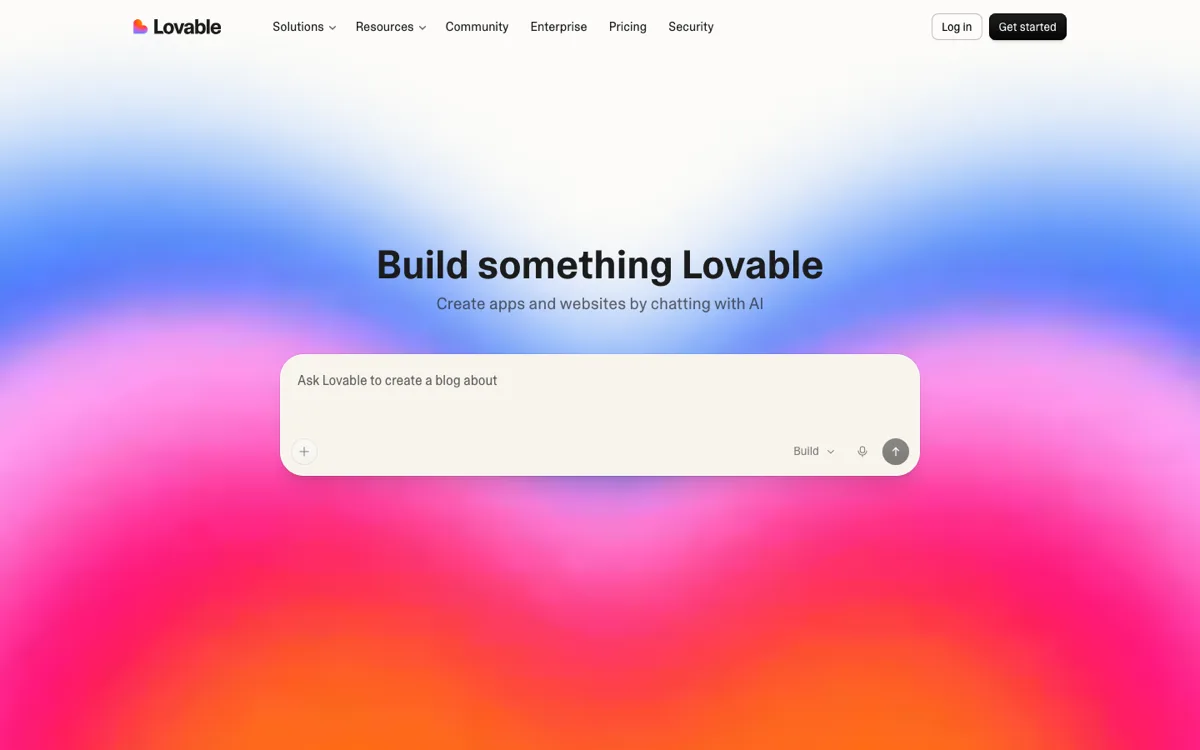
Lovable is the most polished prompt-to-app builder I've used. You describe the app in a chat box and it generates a full-stack web app, with Supabase integration for auth and data when you need a backend. The first draft it hands you usually looks designed rather than generated, which matters if you're showing it to anyone. What it's genuinely good at: going from a written brief to a presentable, deployable product in one sitting. The limitation I kept hitting: iteration happens through more typing, and as the app grows, steering it with chat messages slows down and fixing one screen can nudge another. Pick Lovable if you work solo, you're comfortable writing out what you want, and you care about the first version looking good out of the box. (SayCraft vs Lovable.)
Bolt.new — the fast one
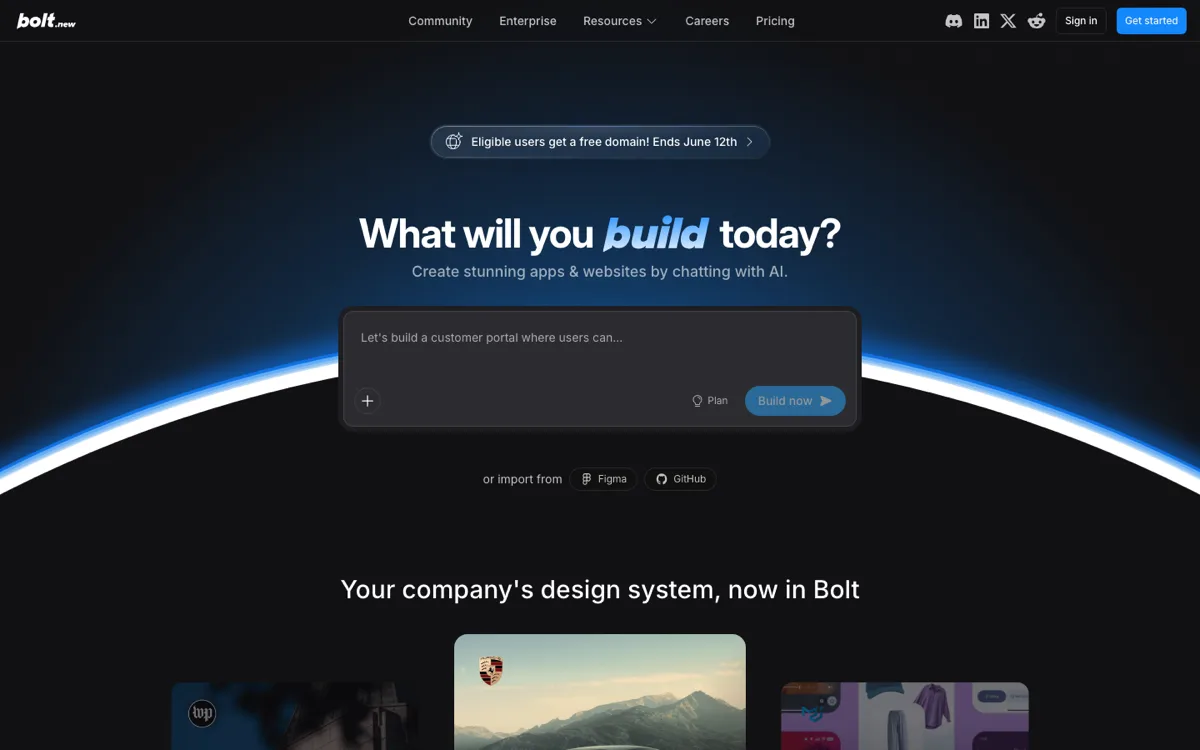
Bolt.new is StackBlitz's in-browser builder. You type a prompt and it scaffolds a full app and runs it immediately in a browser sandbox, with no local setup at all. Its real strength is the combination of speed and control: the generated code sits right there in an editable file tree, so when the AI misunderstands something you can drop into the files and fix it yourself instead of arguing in chat. That is also the honest caveat — Bolt assumes you're willing to read and occasionally edit code, and bigger apps can take a fair number of prompt iterations to get right. Pick Bolt.new if you want a running prototype in minutes, you like seeing exactly what was generated, and a little hands-on debugging doesn't scare you. (SayCraft vs Bolt.new.)
v0 (Vercel) — the UI one
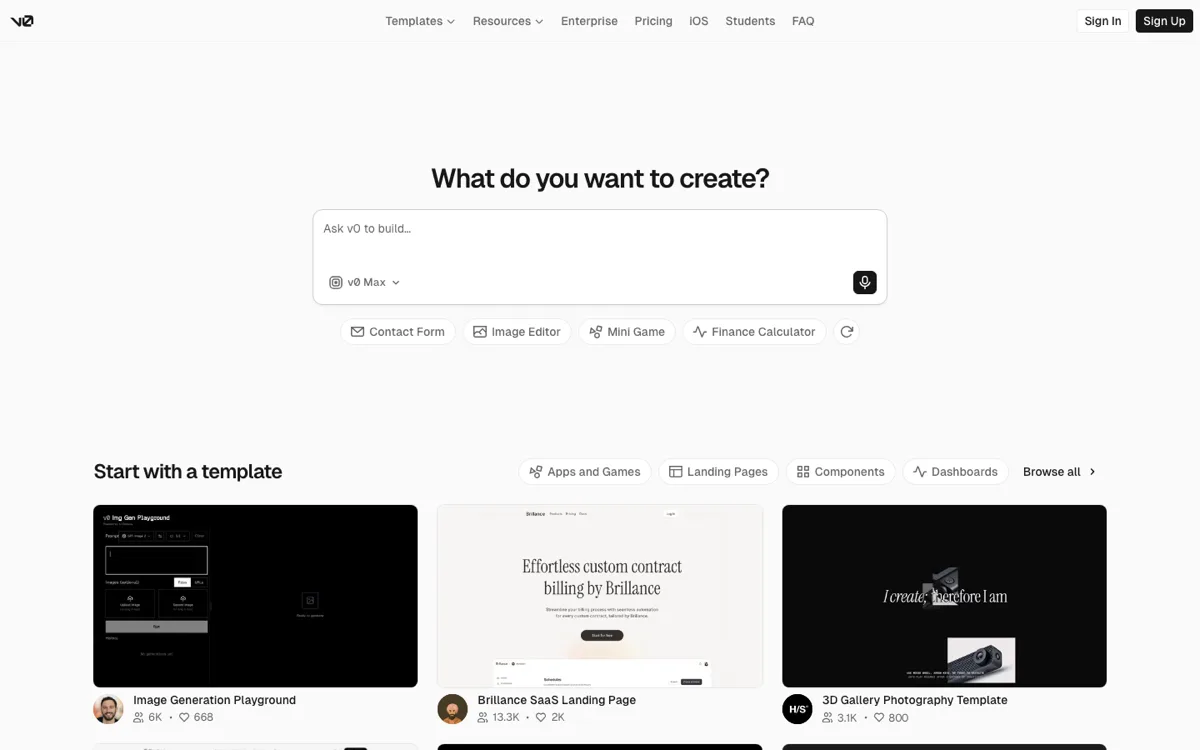
v0 is Vercel's generator and the specialist of this list. Point it at a UI problem and it produces clean React and Next.js components, following shadcn/ui and Tailwind conventions, that look like a designer was involved. If what you need is a polished interface to drop into an existing codebase — a landing section, a dashboard shell, a settings page — it's the strongest option here. The limitation is the flip side of that focus: it has grown beyond pure components, but its center of gravity is still the front end, so you'll be wiring up the backend, the data, and the rest of the product yourself. v0 also assumes a comfort with the Vercel and React ecosystem — the output is idiomatic Next.js, which is a gift if that's your stack and a learning curve if it isn't. Pick v0 if you're a developer who wants beautiful UI faster, not a non-coder who wants a finished app. (SayCraft vs v0.)
Cursor — the AI code editor
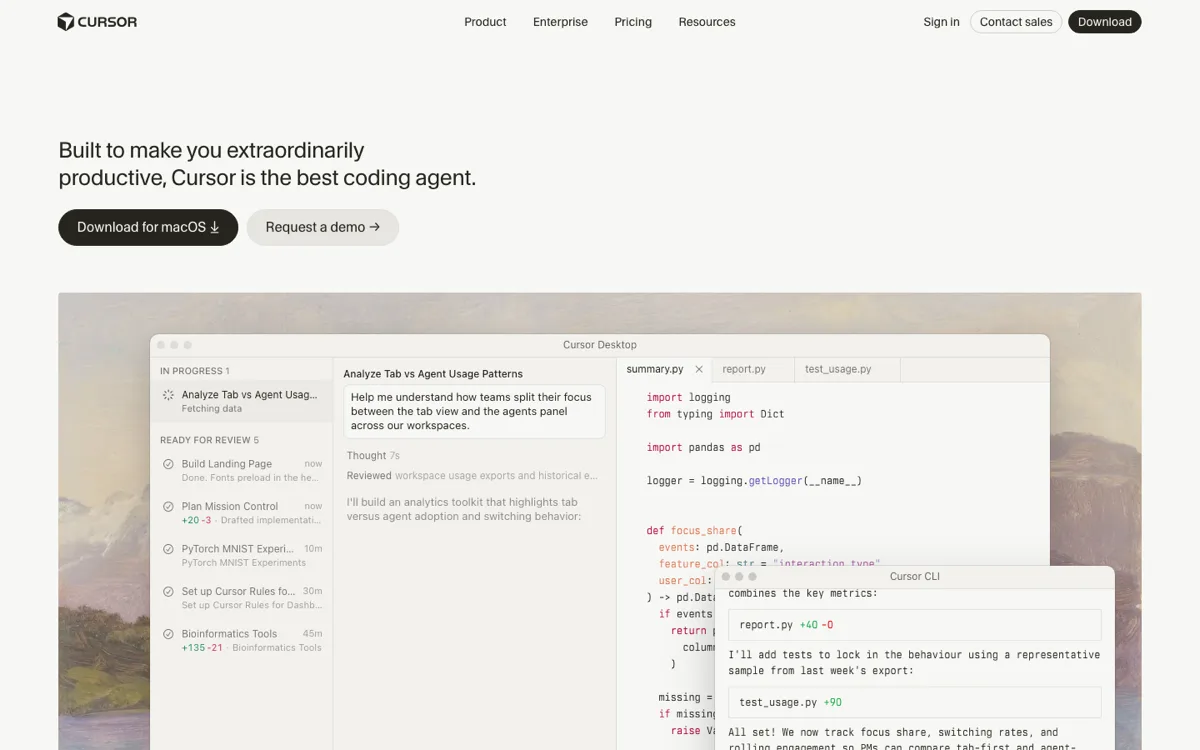
Cursor is the odd one out: an AI-powered code editor, not a prompt-to-app builder. It ends up on every vibe coding list because its agent mode can take a plain-English task and edit code across a whole project. For working developers it's genuinely hard to give up — inline edits, codebase-aware chat, and multi-file changes that respect your existing patterns. The limitation is built into the premise: Cursor assumes there's a codebase and a person who can read it. If you can't code, it gives you very little; you'd be approving diffs you can't evaluate. Pick Cursor if you write code for a living and want the fastest AI-assisted editor, and skip it entirely if you're a non-technical founder who just wants an app. (SayCraft vs Cursor.)
Replit — the all-in-one
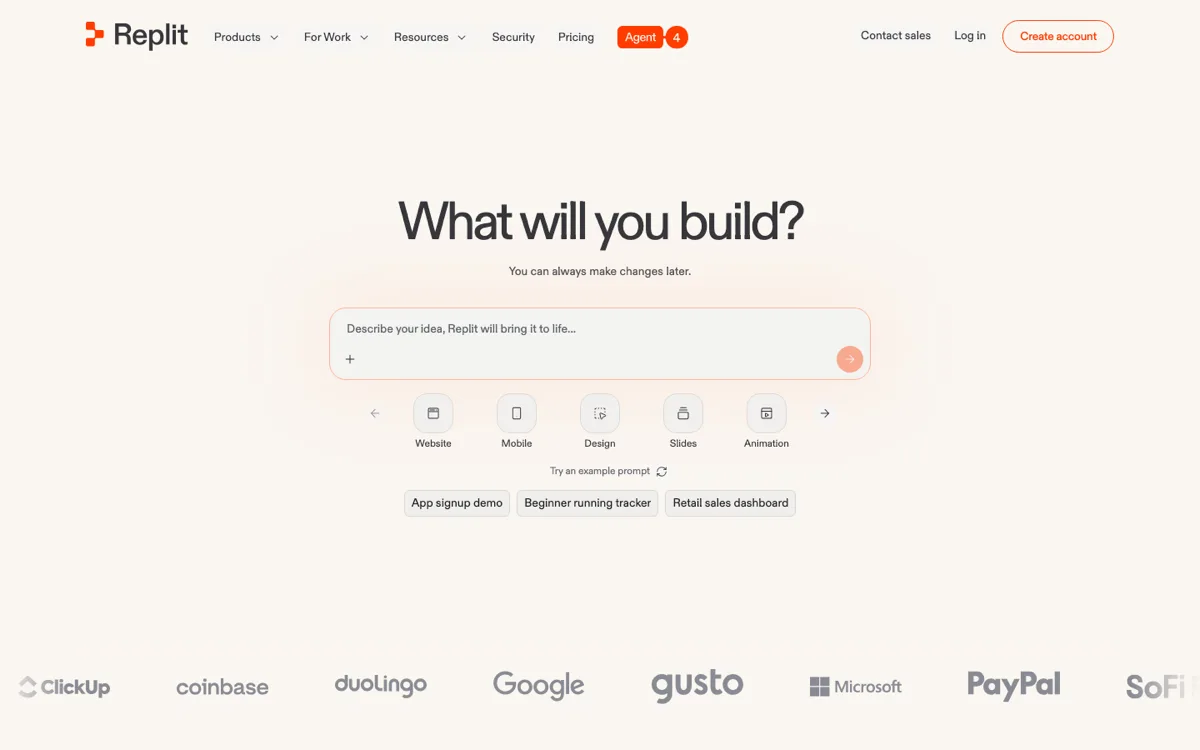
Replit is the all-in-one option: editor, AI agent, hosting, and a database, all in the browser. Its agent takes a description and builds and deploys a working app without you ever touching a local toolchain, which makes it the friendliest on-ramp here if you're new to building. It's also the only tool on this list that covers the whole loop of build, run, and host in one account. The honest caveat is that the experience is broad rather than deep: in my testing the generated UI was more functional than beautiful, and heavier agent use is metered, so costs are worth watching. Pick Replit if you're learning, you want one place for everything, and shipping something that works matters more than pixel-perfect design.
Windsurf (Devin Desktop) — the agent supervisor
Windsurf was acquired and, as of June 2026, lives on as Devin Desktop — Cognition's AI-native editor, now positioned as a command center where you plan, delegate, and review work done by local and cloud coding agents. It sits in the same camp as Cursor: for people who want to work with the code rather than above it, with a heavier bet on supervising several agents at once. The genuine appeal is parallelism — you can hand off several tasks and check back, rather than babysitting one edit at a time — which suits a developer juggling a real backlog. The honest caveat is that supervising agents is still a coding skill: you need to read what they produced, catch where they went sideways, and merge it. If you're a developer choosing between Cursor and Windsurf, try both on the same task and keep the one that fits your rhythm; if you don't read code, neither is your tool. (SayCraft vs Windsurf.)
Base44 — the internal-tools one
Base44 (now part of Wix) is a direct prompt-to-app builder that has leaned into practical business software: back-office tools, customer portals, productivity apps — with auth, data, and hosting handled for you. Its first drafts are less glossy than Lovable's, but it's cheaper to run (free monthly credits, paid from $16/mo as of July 2026) and unusually good at the unglamorous apps businesses actually need. Where it earns its place is the gap most prompt-to-app tools leave: a marketing site is easy, but a CRUD app with logins, roles, and a database that several people will use every day is hard, and Base44 treats that as the main event rather than an afterthought. Pick it if you're building tools people use rather than pages people admire. (SayCraft vs Base44.)
SayCraft — the one you talk to
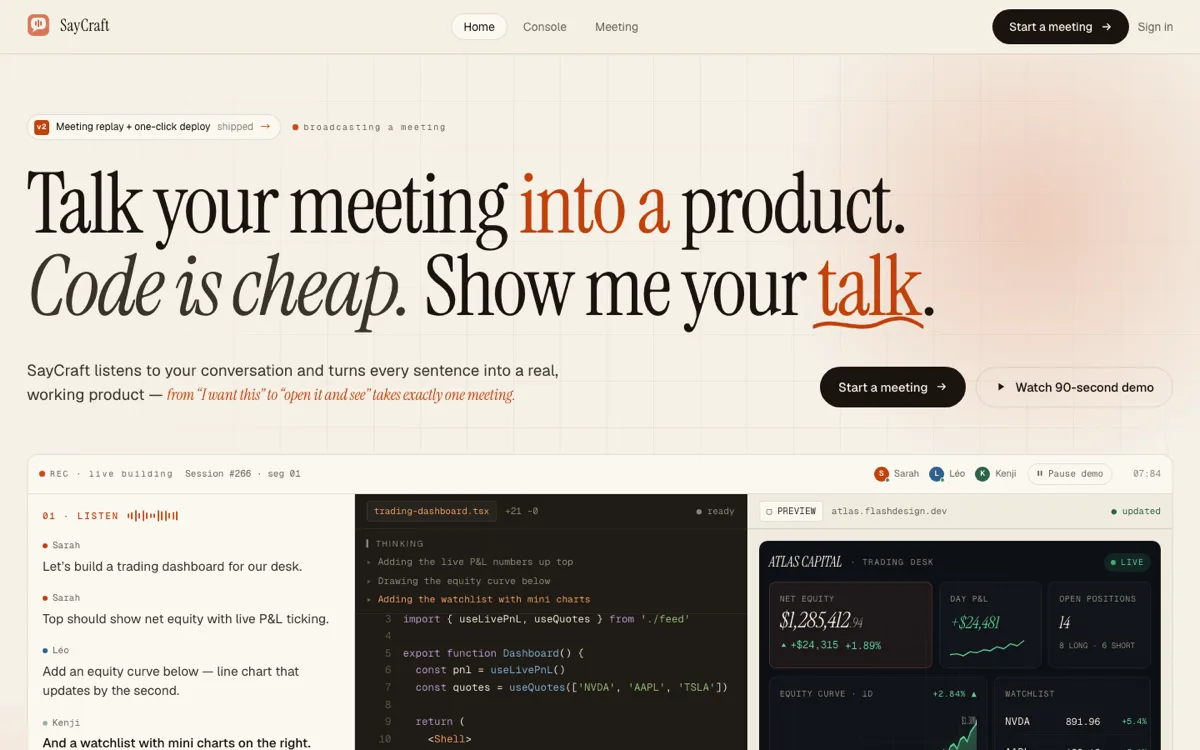
SayCraft is the one I build, so apply the disclosure from the top of this page. It's also the only tool here you drive by talking. You open a meeting, alone or with your team, and speak; the AI listens, vibe-codes the app live, and a shared preview URL updates as the conversation moves. When the meeting ends you have a working product, a replay of the build, the source code, and one-click deploy. What it's genuinely good at: the moment a product is being decided by several people out loud — a founder and a designer, an agency and a client — and nobody wants to translate that discussion into prompts afterward. The honest limitation: if you're a solo developer who thinks best in text, talking will feel slower than typing, and one of the tools above will fit you better. (How it works.)
How do these vibe coding tools compare?
| How you build | Best for | |
|---|---|---|
| Lovable | Type a prompt (solo) | Full-stack web apps from a written brief |
| Bolt.new | Type a prompt (solo, in-browser) | Fast prototypes you fully control in a sandbox |
| v0 | Type a prompt (solo) | Polished React/Next UI and components |
| Cursor | Write code (with AI help) | Developers who want a faster IDE |
| Replit | Type a prompt (in-browser) | All-in-one build + host for beginners |
| Windsurf (Devin Desktop) | Write code + supervise agents | Developers running coding agents in an IDE |
| Base44 | Type a prompt (solo) | Internal tools and back-office apps |
| SayCraft | Talk, with your team (real-time) | A meeting becomes a working app + live preview |
The honest summary: almost everything in this space is a single person typing a prompt. The tools differ mostly in polish, speed, and how much code control they give you. SayCraft is the outlier on input — a real-time, multi-person conversation instead of a typed prompt.
| Tool | Free plan | Prompt to app | Team workflow | Live preview | Export / ownership | Security review | Best for |
|---|---|---|---|---|---|---|---|
| Lovable | Yes | Yes | Shared workspace | Yes | GitHub sync | Required | Polished full-stack drafts |
| Bolt.new | Yes | Yes | Project sharing | Yes | ZIP + GitHub | Required | Fast builds with visible code |
| v0 | Yes | Yes | Team plan | Yes | Git sync + export | Required | React/Next.js UI |
| Replit | Yes | Yes | Collaborative workspace | Yes | Editable project | Required | Build, database, and hosting together |
| Base44 | Yes | Yes | Multi-user editing | Yes | ZIP + GitHub | Required | Internal and back-office apps |
| Google AI Studio | Yes | Yes | Share/remix | Yes | ZIP + GitHub | Required | Gemini-powered full-stack apps |
| Cursor | Yes | No — edits a repo | Git workflow | Use your dev stack | Your repository | Developer-owned | Developers maintaining real codebases |
| Windsurf | Yes | No — edits a repo | Git workflow | Use your dev stack | Your repository | Developer-owned | Developers supervising coding agents |
| SayCraft | 3-day Pro trial; payment method required | Conversation-to-app | Live multi-person meeting | Yes, shared | Downloadable source | Required | PM and team product discussions |
Best free vibe coding tools
If you're hunting for the best free AI app builders, the good news is that all eight let you start without paying. The catch is that “free” means something different on each one: most meter you by credits or daily allowances that you burn through as you iterate, so the real question isn't “is there a free tier” — it's “how far does the free tier actually get me before I hit a wall.” Snapshot as of July 2026 (these change often; check each pricing page before committing):
| Free tier | Paid | |
|---|---|---|
| Lovable | Free start with limited build credits | Credit-based paid plans |
| Bolt.new | Free daily allowance in the sandbox | Usage-based paid plans |
| v0 | Free credits to start | Usage-based paid plans |
| Cursor | Free hobby tier | Pro subscription |
| Replit | Free starter workspace | Metered agent usage on paid plans |
| Windsurf (Devin Desktop) | Free tier | Subscription |
| Base44 | Free monthly credits | Paid from $16/mo |
| SayCraft | 3-day Pro trial — payment method required | Pro $4.9/mo · Max $19.9/mo |
For non-coders comparing free AI app builders specifically, a few stand out for getting you to a real result before you pay:
- SayCraft — full meeting, live preview, and a deployable result with no card required; the only free option you build by talking, alone or with your team.
- Replit — the most generous “everything in one place” free start: editor, agent, and hosting in a single workspace, which is why it's the easiest on-ramp for an absolute beginner.
- Bolt.new and v0 — solid free credits for solo prompt-to-app and UI work, though both expect a little comfort with code once you grow.
- Base44 — free monthly credits aimed at practical internal tools, the cheapest path if you're building software people use rather than admire.
A practical way to compare free AI app builders: build the same small project on two of them and watch which burns its allowance first. Iteration metering — not the sticker price — is the real cost in this category, and it's the number almost no homepage shows you up front.
Which AI app builders go beyond prototypes?
A builder goes beyond the prototype stage when the result has a maintainable code path, real backend options, deployment, and a way to test and review changes. Lovable, Bolt.new, Replit, Base44, Google AI Studio, and SayCraft can all produce running apps, while Cursor and Windsurf start from an existing codebase. None makes production automatic: authentication, authorization, data migrations, observability, backups, and load behavior still need a deliberate engineering pass. Read our production reliability lessons before treating a first build as finished.
Vibe coding tools with code export and no lock-in
If ownership matters, prefer a tool that lets you put the complete project in your own repository or download it as source. Lovable supports GitHub sync; Bolt.new and Base44 support project export and GitHub workflows; v0 supports export and Git integration; Google AI Studio can export to GitHub or ZIP; SayCraft provides downloadable source. Re-check the exact plan requirement before committing because export and sync entitlements change. The practical test is simple: can your team run, build, and deploy the result after leaving the platform?
Are vibe-coded apps safe?
Vibe-coded apps can be safe, but the generation step is not a security review. Before a build handles real accounts, money, or private data, verify access control, secrets, database rules, input validation, dependency risks, error logging, backups, and automated tests. A live preview proves the app runs; it does not prove the app is ready for hostile traffic. Treat every generated codebase as code your team is responsible for shipping. Use the vibe-coded app production safety checklist to turn that boundary into a release review.
So which one should you use?
- You write code and want to go faster → Cursor (or Windsurf if you want to run agents).
- You're solo and want a full app from a written brief → Lovable or Bolt.new.
- You mainly need gorgeous React UI → v0.
- You're new and want one tool for everything → Replit.
- You're building internal tools on a budget → Base44.
- Your team figures out what to build by talking, and you want it built live in the meeting → SayCraft.
Where SayCraft actually fits
I didn't build SayCraft to beat Lovable at being Lovable. I built it because my ideas came out of my mouth faster than I could type them, and because the products I cared about got shaped in conversations — with a co-founder, a designer, a client on a call. So far I've built around fifty things in test meetings, each for roughly the price of a coffee, and the gallery on the homepage is six of them, all talked into existence. The pattern that keeps surprising me is how much faster a decision becomes a build when nobody has to leave the conversation to write it down: a designer says “make the hero darker,” the founder says “and move pricing up,” and both land on the same preview before the next sentence. That's the whole bet. If that's how you work, it's worth a meeting. If you'd genuinely rather type, one of the others above will serve you better — and that's fine.
Frequently asked questions
What is the best free vibe coding tool?
Several have free tiers worth starting on: Bolt.new and v0 for solo prompt-to-app, Replit for an all-in-one beginner setup, and SayCraft if you want to build by talking with your team. The best free tool depends on how you work — solo and typing, or in a conversation. Start free on whichever matches that.
What's the difference between vibe coding and an AI code editor like Cursor?
An AI code editor like Cursor assists you while you write code — you're still in the editor, in control of the source. Vibe coding tools (Lovable, Bolt, v0, SayCraft) generate the app from a description so you don't write the code at all. If you code, Cursor; if you'd rather describe and review, a vibe coding tool.
Can vibe coding tools build a real, deployable app?
Yes. Tools like Lovable, Bolt.new, Replit, and SayCraft can produce running apps rather than static mockups, but preview, deployment, and source access are separate plan capabilities. SayCraft offers a three-day Pro trial with 2,000 credits and a required payment method, then $4.90/month unless canceled. Max is $19.90/month with source download and no trial.
Which vibe coding tool is best for teams?
Most vibe coding tools are single-player — one person typing prompts — so teams end up taking turns or working in separate threads. SayCraft is the exception built for groups: everyone talks in one real-time meeting, the AI builds live, and the whole team reviews the same preview URL as it updates. If your product gets decided in conversations rather than by one person writing a brief, a meeting-native tool fits how you already work; if you're solo, the typed prompt-to-app tools above are simpler.
Which AI app builders go beyond prototypes?
Lovable, Bolt.new, Replit, Base44, Google AI Studio, and SayCraft can all produce running apps rather than static mockups. Going beyond a prototype still depends on code ownership, backend support, deployment, tests, security review, and a team that can maintain the result. No AI builder removes that production work; the useful difference is whether it gives you a clean path to do it.
Are vibe-coded apps safe?
They can be, but generated code is not automatically production-safe. Before handling real users or data, review authentication and authorization, secrets, input validation, dependencies, database rules, logging, backups, and tests. Treat the first generated build as code to verify, not as a security guarantee from the tool.